
The clocks the service runs on
Support and purchasing use different time zones and different weekend coverage. Whether that matters depends entirely on where you live and when you shop; here is the arithmetic done once.
Policy examples captured 10 October 2026. Check the live terms for your order; tutorial screens show older interface examples.
Boundary three
Published windows
| Function | Window | Weekend cover |
|---|---|---|
| Live chat support | 9am to 6:30pm, Monday to Friday, BST | none; email queues at [email protected] |
| Buyers, mainstream platforms | 9:00 to 18:00 (UTC+8) for Taobao, Tmall, JD, Weidian, Yupoo, and Xianyu | seven days |
| Buyers, other platforms | 9:00 to 18:00 (UTC+8) | none: every other platform is worked Monday to Friday only |
| Order review | 3-5 working hours | working hours, by definition |
| Paid priority purchase | 5 yuan per order, handled within 4 buyer working hours | still bounded by the buyer windows above |
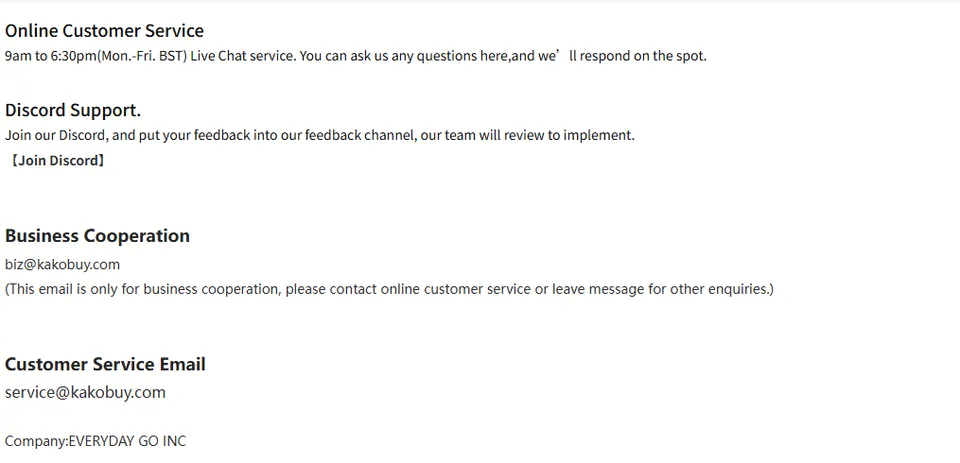
Convert the published window for the date you need. The contact snapshot labels chat 09:00–18:30 BST, whereas buyers use 09:00–18:00 UTC+8. US local offsets change with daylight saving, and the two clocks need separate conversions. Do not assume a US evening falls outside the buyer window; check the actual time and day in China.
Inside the flow
Where the windows bite inside an order
Payment is not purchase
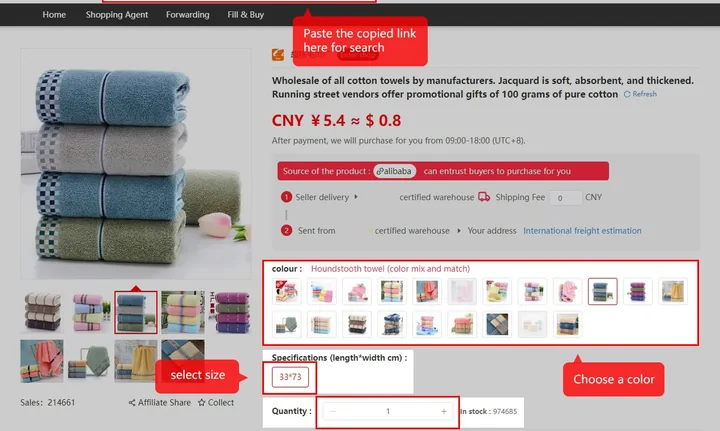
Payment starts processing, not a guaranteed purchase time. The tutorial gives a 3–5 working-hour review indication, followed by purchasing and seller-to-warehouse delivery. Its 3–5 day domestic delivery indication does not establish when a seller will dispatch. Priority purchase is a separate four-working-hour indication; neither service guarantees item availability.
Two more small clocks: Alipay and WeChat recharges land in 1 to 60 minutes, and the 120-hour return window starts at Stocked in whether or not you are awake in its time zone.
Who this never bothers
For the listed seven-day marketplaces, the buyer window includes weekends; chat still has its own published weekday window. On other platforms the buyer schedule may also be weekdays only. Check the relevant function and calendar date, especially before a deadline.
Write a useful message while support is offline
Include the order or parcel number, what happened, the date and time, the requested action and one clear screenshot. Avoid sending passwords or payment credentials. A single complete account-specific message is easier to act on than repeated messages without an order reference.
The contact snapshot labels its hours BST. Do not silently reinterpret this as year-round UK local time: daylight saving changes the offset. Check the current contact page and use your device clock conversion for the relevant date. Published processing ranges are not guarantees for a specific order.